 Total Digital Security
5 min read
What Is a VPN and Do You Actually Need One?
A VPN (Virtual Private Network) is a tool that encrypts your internet traffic and hides your activity from anyone who might be watching on the same...
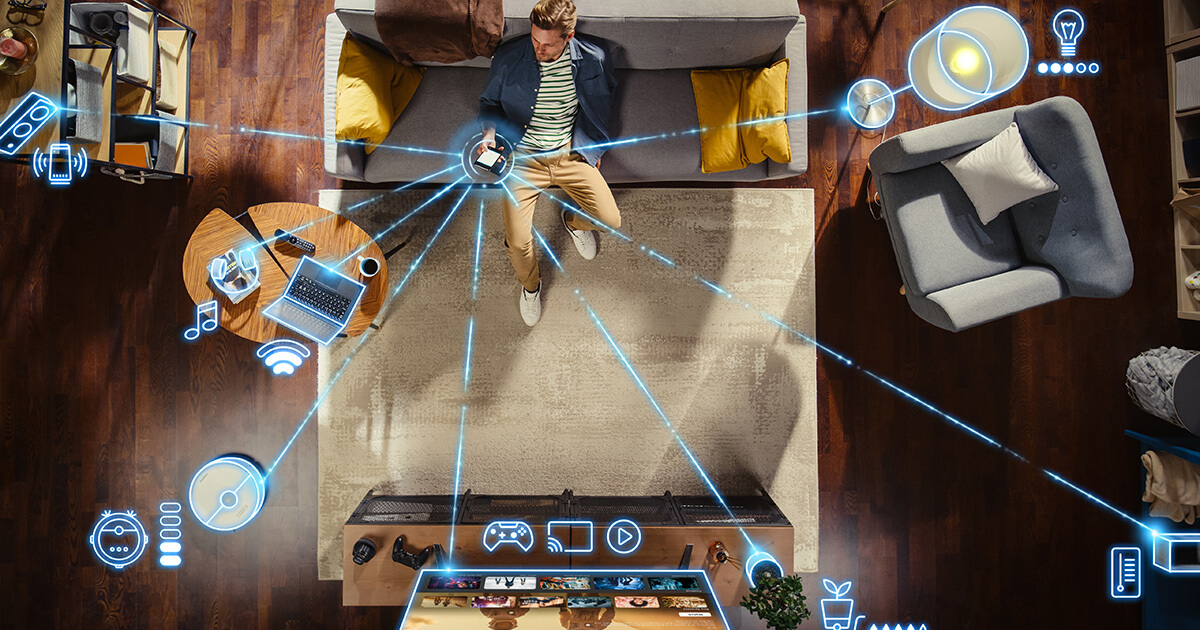
Most people think of cybersecurity as something that lives on their laptop. Maybe their phone. A virus scanner here, a password there.
Very few people think about their home network — and that’s one of the most significant gaps in personal security today.
Because your network isn’t just your computer. It’s everything.
Here’s a question worth sitting with: how many devices are connected to your home Wi-Fi right now?
Most people guess five or six. The actual number is usually much higher. Laptops, phones, tablets — yes. But also: smart TVs, streaming devices, thermostats, video doorbells, security cameras, smart speakers, refrigerators, washing machines, pool pumps, irrigation controllers, and whatever your kids or grandkids set up over the holidays.
Every single one of those devices is a node on your network. Every one of them represents a potential entry point for someone trying to get in.
You locked the front door and the back door. But every smart device you connected is another door and most of them came without locks.
Network security isn’t a single thing you buy or install. It’s a layer of protection that wraps around everything on your Wi-Fi — monitoring what comes in, what goes out, and flagging anything that shouldn’t be there.
A properly secured home network protects traffic in both directions. Information leaving your devices — your browsing, your financial logins, your private communications — is encrypted and protected before it travels. Information coming in is filtered through a system that recognizes known threats and blocks them before they reach your devices.
This is fundamentally different from having a router with a password. A password keeps casual users off your network. It does very little to stop a motivated attacker, and it does nothing to protect the traffic flowing through your connected devices once they’re on.
Think of it this way: a password on your Wi-Fi is a lock on the front door. Network security is the alarm system, the motion sensors, and the monitoring service watching 24 hours a day.
VPNs come up in almost every conversation we have about network security — usually from someone who has one and assumes it’s covering them. It’s worth being clear about what a VPN does and what it doesn’t.
A VPN encrypts your internet traffic when it leaves your device. That’s genuinely useful, particularly when you’re on public Wi-Fi in a hotel, airport, or coffee shop. It makes it much harder for someone on the same network to intercept what you’re sending and receiving.
What a VPN doesn’t do: it doesn’t protect the other devices on your home network. It doesn’t secure your smart home devices. It doesn’t monitor for threats already inside your network. It doesn’t replace comprehensive network security.
A VPN is a useful component. It isn’t the whole solution.
If you work from home — even part of the time — your home network is a professional liability, not just a personal one.
Client files, financial records, privileged communications, and sensitive business correspondence all flow through the same network where your streaming service and smart refrigerator live. If your company’s IT team hasn’t specifically secured your home environment, that security doesn’t exist there. Your office network and your home network are two very different things.
This is one of the most common gaps we see in people who assume they’re covered. Their company laptop has protections on it. Their home network does not.
You don’t need to know how all of this works. You just need to know whether it’s been addressed.
The right questions to ask are: Has someone who actually understands network security looked at my home setup? Are the devices on my network being monitored? Is the traffic on my Wi-Fi — both coming in and going out — protected?
If you’re not sure, that’s the answer. And it’s a very common one.

5 min read
A VPN (Virtual Private Network) is a tool that encrypts your internet traffic and hides your activity from anyone who might be watching on the same...

5 min read
If you work at a company with an IT department or if you’ve hired a local IT person for your business, you might feel like your cybersecurity is...
4 min read
Your financial advisor works hard to protect your investments. They research. They diversify. They monitor markets. They have teams, systems, and...