 Total Digital Security
5 min read
What Is a VPN and Do You Actually Need One?
A VPN (Virtual Private Network) is a tool that encrypts your internet traffic and hides your activity from anyone who might be watching on the same...

Not long ago, you could spot a phishing email. The spelling was off. The grammar was strange. The sender’s address had a suspicious string of numbers. Something always felt wrong if you looked closely enough.
That era is over.
Artificial intelligence has changed the phishing game completely — and most people haven’t caught up to what that means for them personally.
Here’s a number that puts it in perspective: IBM’s security research team took about 16 hours to craft a convincing, targeted phishing email. ChatGPT did the same thing in five minutes.
Five minutes. At scale. With no errors, no accent, no telltale signs of a foreign-language translation. A perfectly constructed email that references your name, your company, your professional context — and asks you to do something that seems completely reasonable.
AI doesn’t just make phishing faster. It makes it personalized in ways that were previously impossible without significant effort. Attackers can now pull information from LinkedIn profiles, company websites, news articles, and public records to craft an email that feels like it came from someone who knows you.
The old advice — ‘look for spelling mistakes’ or ‘check if the email looks off’ — no longer applies the way it once did.
Here’s an example that illustrates how sophisticated these have become. A professional is in a board meeting in the morning. By early afternoon, she’s back at her desk working through emails. One arrives that appears to be from the board president — correct name, correct context, even a reference to the meeting that just happened that morning.
The email explains there’s an urgent operating expense that needs handling while the president is teaching a class. Could she take care of it quickly?
The professional almost did. She’d been in that meeting. The sender’s name was right. The context was accurate. It was only when a payment to a personal account was requested that something clicked.
What made this attack so effective wasn’t technical sophistication. It was information. The attacker knew who was in the meeting, knew the president’s schedule, knew enough to make the email feel completely legitimate. That information likely came from a compromised device or an AI-powered note-taking tool that had access to meeting details.
When an attack is built around real information from your real life, there is no obvious red flag. That’s the point.
Here’s something worth understanding about how these attacks spread. In the example above, once the attacker had access to one person’s information — the board president’s meeting context — everyone in her address book became a potential target. The other members of the board. Staff. Contacts.
This is what we call the spider web effect. One compromised device or account gives an attacker a thread. They follow that thread outward, collecting more information, building more convincing attacks, until the web is wide enough to catch something valuable.
And they are patient. Hackers have been known to sit inside a home network or email system for months — sometimes years — watching and learning before they strike. They wait for the right moment: a large transaction, a significant transfer, a moment when acting quickly would seem reasonable.
You cannot rely on your own judgment to catch every AI-generated phishing email. That’s not a personal failing — it’s the reality of where the technology is. Even experienced security professionals get caught.
What you can do is build layers of protection that catch what the human eye misses.
And perhaps most importantly: have someone you can call when something feels wrong. Not a general tech support line — a cybersecurity partner who knows your setup and can tell you quickly whether what you’re seeing is a real threat.
The question is no longer whether AI-powered phishing will target someone you know. It’s whether the protection in place is sophisticated enough to stop it.

5 min read
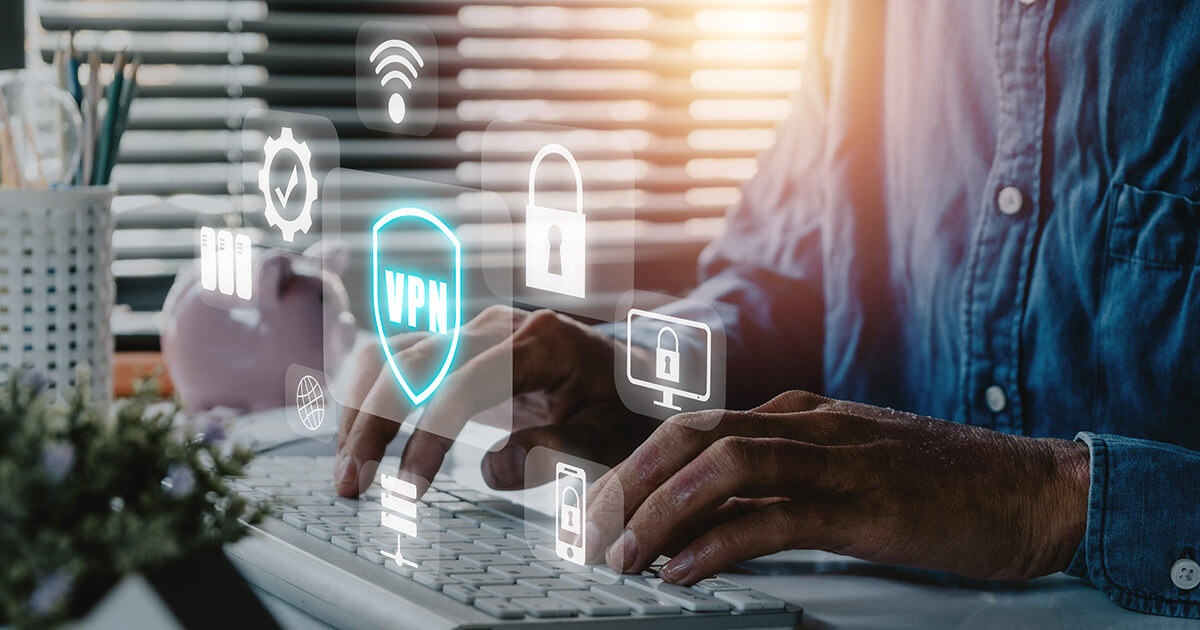
A VPN (Virtual Private Network) is a tool that encrypts your internet traffic and hides your activity from anyone who might be watching on the same...

5 min read
If you work at a company with an IT department or if you’ve hired a local IT person for your business, you might feel like your cybersecurity is...
4 min read
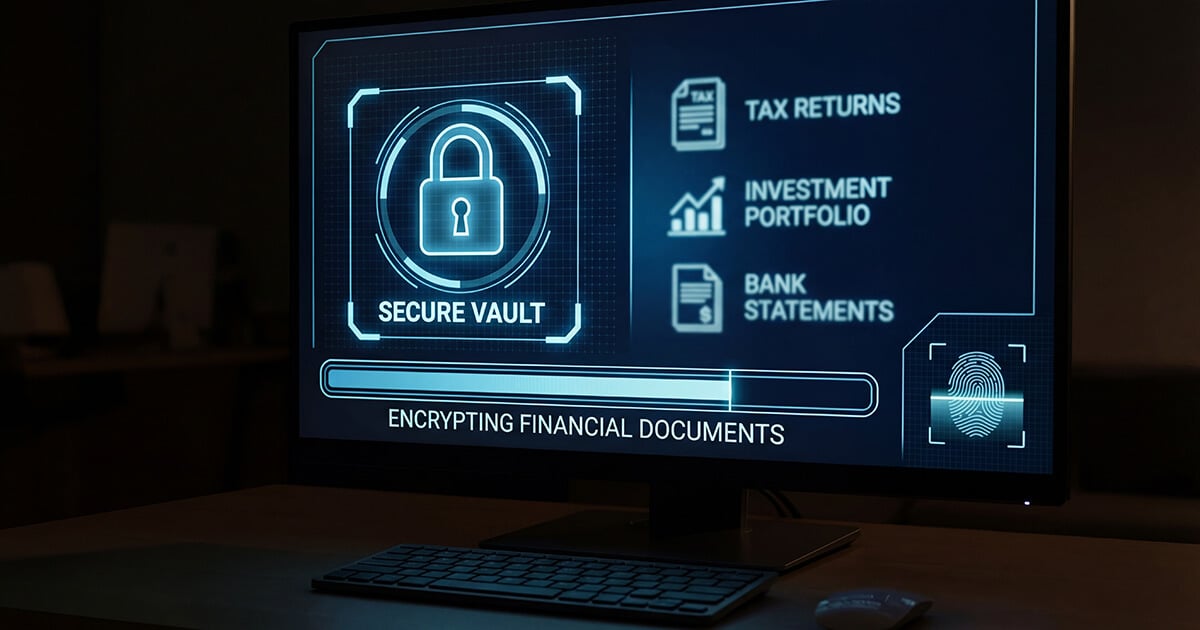
Your financial advisor works hard to protect your investments. They research. They diversify. They monitor markets. They have teams, systems, and...