 Total Digital Security
5 min read
What Is a VPN and Do You Actually Need One?
A VPN (Virtual Private Network) is a tool that encrypts your internet traffic and hides your activity from anyone who might be watching on the same...

Most people I talk to say the same thing when we first get on a call: “I know I should do something. I just don’t know where to start.”
That’s not a lack of motivation. That’s a lack of a starting point.
So here’s one. Five questions. Plain English. No tech background required. If you can answer yes to all five, you’re in better shape than most. If you hit a ‘no’ or an ‘I’m not sure’ — that’s exactly where your vulnerability lives.
When most people think about cybersecurity, they picture a piece of software they downloaded once and promptly forgot about. Maybe it runs a scan occasionally. Maybe it doesn’t. Either way, they feel like the box is checked.
Here’s what that misses: free and retail antivirus tools are built to catch known, common threats. The attacks targeting people with something to lose — real assets, real financial exposure — are not common. They’re targeted, sophisticated, and designed specifically to get past basic defenses.
Enterprise-grade cybersecurity security is different. It monitors in real time, updates constantly, and responds to threats as they evolve. It's not a scan you run on Tuesday. It's protection that's always running in the background, whether you're thinking about it or not. And the technology behind it uses artificial intelligence to do something no human could keep up with on their own — constantly scanning for both known threats and brand-new ones that have never been seen before. That means you're not just protected against yesterday's attacks. You're protected against what's coming next.
If your current setup is something you downloaded for free, or came pre-installed on your computer, it’s almost certainly not enough.
Here’s something that surprises a lot of people: your network isn’t just your laptop and your phone. It’s everything connected to your Wi-Fi. Your smart TV. Your thermostat. Your Ring doorbell. The refrigerator with the screen on the front. The pool pump someone convinced you to automate.
Every one of those devices is a potential entry point. And most of them have little to no built-in security. Criminals don’t always come through the front door — sometimes they walk in through the side gate you didn’t know was unlocked.
A secured home network means everything coming in and going out is monitored and protected. Not just the devices you think about — all of them.
Think about the last few things you connected to your Wi-Fi. Did you think about security when you plugged them in? Most people don’t.
Question 3: Are you using a private, secure email for sensitive communications?
Your email inbox is the front door to your digital life. And for most people, that front door is wide open.
If your bank statements land in a Gmail, Yahoo, or AOL account — so does every notification from your financial advisor, your attorney, your accountant. All of that sensitive information is sitting in a free inbox that was never designed with your privacy as the priority.
But here's something most people don't think about: your email isn't just where your messages live. It's the master key to nearly everything else. Almost every account you have — your bank, your investment platform, your insurance portal — has a "forgot your password?" button that sends a reset link straight to your inbox.
That means whoever has access to your email has access to all of it. So ask yourself: what accounts are linked to your email address right now? If someone got in, where could they go from there?
Free email platforms are what we call honeypots. They’re attractive targets precisely because so much valuable information flows through them. A private, secure email account keeps your most sensitive communications in a different place entirely — one that’s designed to protect them.
A quick test: Where does your bank send your statements? Where does your financial advisor email you? If the answer is a free account, that’s worth a conversation.
The most common pattern I see: one password (or a small rotation of two or three) used across every account. Email, banking, investment platforms, social media. All the same.
The problem is straightforward. If one account gets compromised — and data breaches happen constantly, often to companies you’ve never even heard of — the attacker now has a key that opens every other door.
Strong passwords are long (14 characters or more), unpredictable, and unique to every account. The only practical way to manage that is a password manager — a secure digital vault that remembers everything so you don’t have to. You remember one strong master password. The manager handles the rest.
If you’re reusing passwords, or if your passwords are things like your pet’s name or your graduation year, this is one of the fastest gaps to close.
This one matters more than people realize.
You get an email that looks slightly wrong. You click something and your computer starts acting strangely. A call comes in from someone claiming to be your bank. Your phone loses service without explanation.
In those moments, what do you do? If the answer is ‘Google it and hope for the best’ or ‘call a general tech support line,’ that’s a gap — not in your technology, but in your support system.
Having a trusted cybersecurity partner means having someone who already knows your setup, who you can reach directly, and who can tell you quickly whether something is a real threat or a false alarm. That alone is worth a great deal when things feel uncertain.
If you answered yes to all five, that’s genuinely good news. You’re thinking about this the right way.
If you hit a no or an ‘I’m not sure’ — you’re not alone. These are exactly the gaps we help people close every day. And they’re almost always more manageable than people expect.
The first step is understanding where you actually stand. That’s what our free 30-minute consultation is designed to do — no pressure, no sales pitch, just an honest look at your situation and a clear picture of what, if anything, needs attention.
5 min read
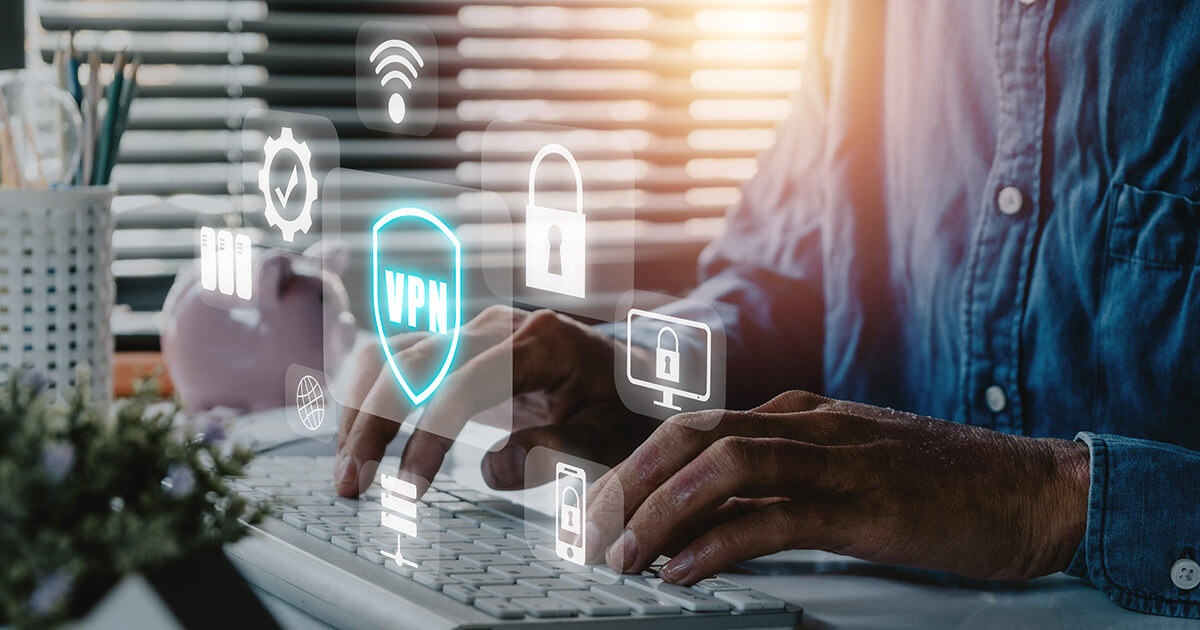
A VPN (Virtual Private Network) is a tool that encrypts your internet traffic and hides your activity from anyone who might be watching on the same...

5 min read
If you work at a company with an IT department or if you’ve hired a local IT person for your business, you might feel like your cybersecurity is...
4 min read
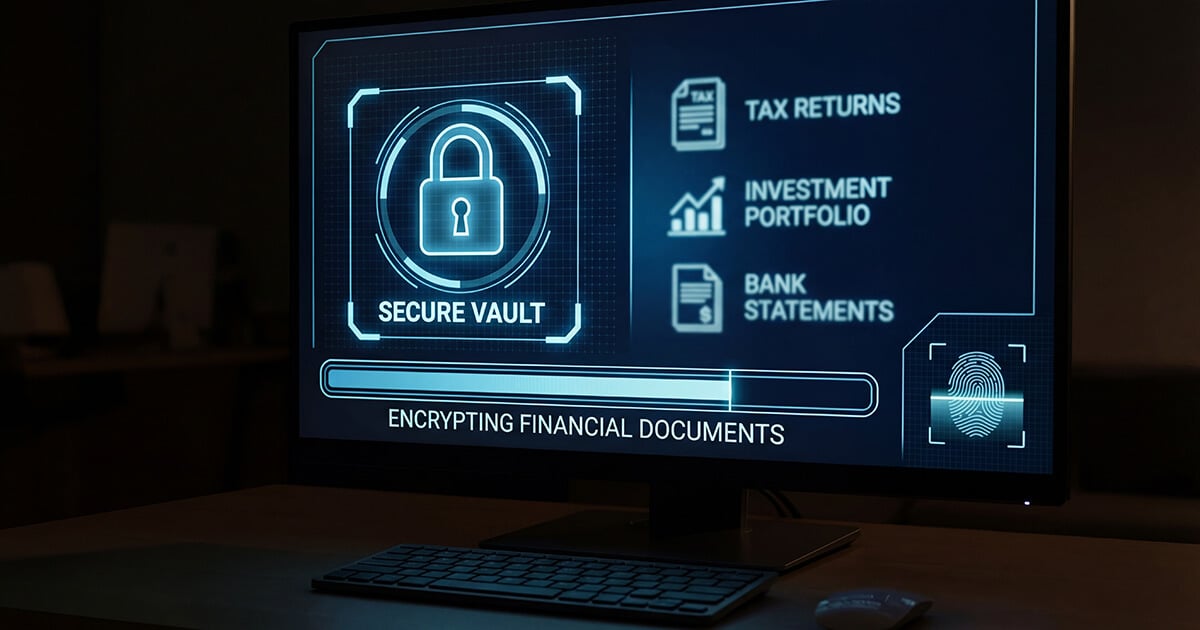
Your financial advisor works hard to protect your investments. They research. They diversify. They monitor markets. They have teams, systems, and...